Overview:
OTT Video Player
Building a Scalable Design System for Seamless Streaming
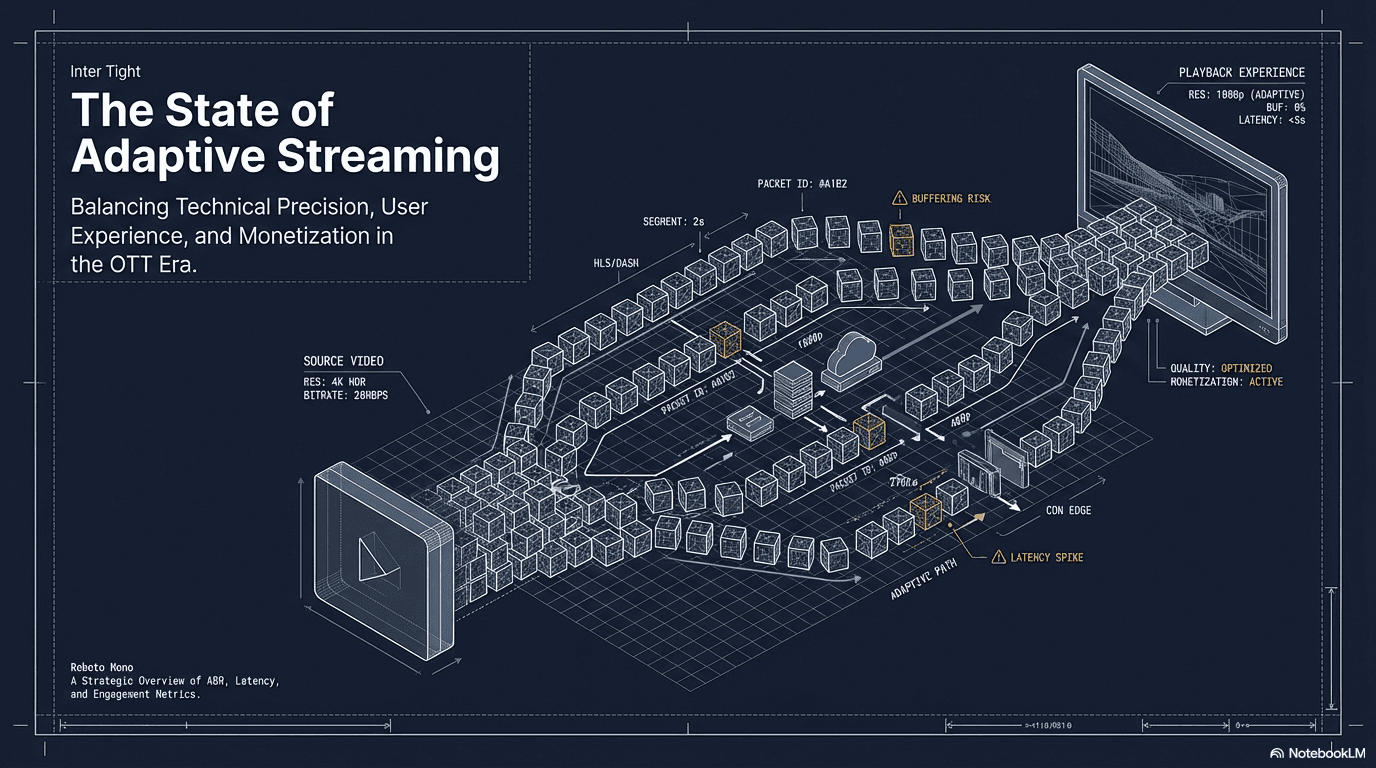
As OTT platforms expand across Smart TVs, mobile apps, web players, and gaming consoles, one challenge becomes unavoidable:
how do you keep the video experience consistent, intuitive, and adaptable across hundreds of brands, devices, and content formats?
While working on large-scale OTT platforms supporting multi-tenant applications and hundreds of live channels, it became clear that player experiences were often rebuilt repeatedly for each product, device, or business requirement. This caused inconsistency, slower releases, and usability issues for viewers.
The goal of this project was to create a unified OTT video player design system that could scale across platforms while maintaining a simple, interruption-free viewing experience.
The Problem
Streaming users interact with video players more than any other feature, yet player UX is frequently inconsistent across devices.
During audits and stakeholder workshops, we observed recurring issues:
• Different scrubbing behavior across TV, mobile, and web
• Confusing overlays that blocked important content
• Accessibility gaps in subtitles and controls
• Rework needed for each new brand or channel
• Difficulty supporting complex features like DVR, ads, or multi-camera streams
Engineering teams were duplicating UI work.
Product teams struggled to maintain consistency.
Users experienced friction during playback.
The player was treated as a component, not a system.
Understanding the Viewing Context
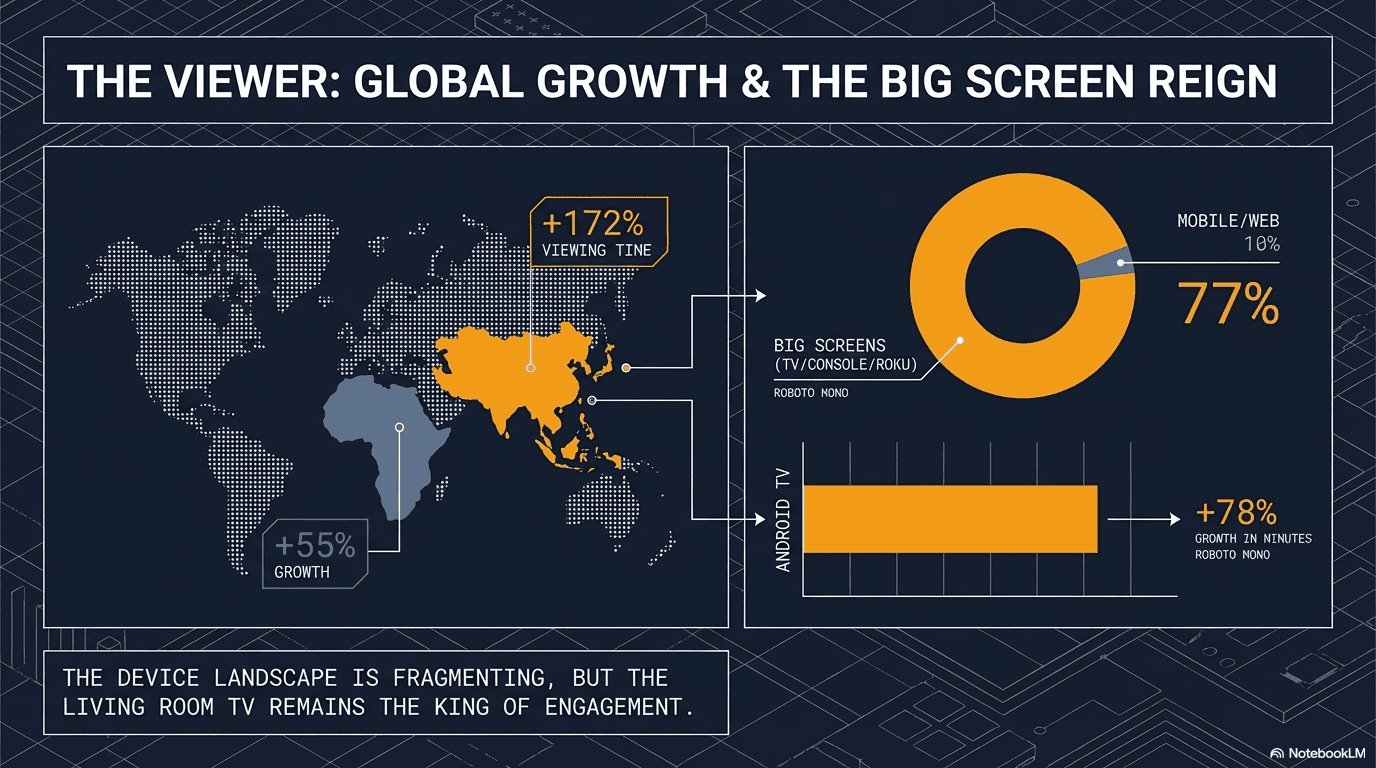
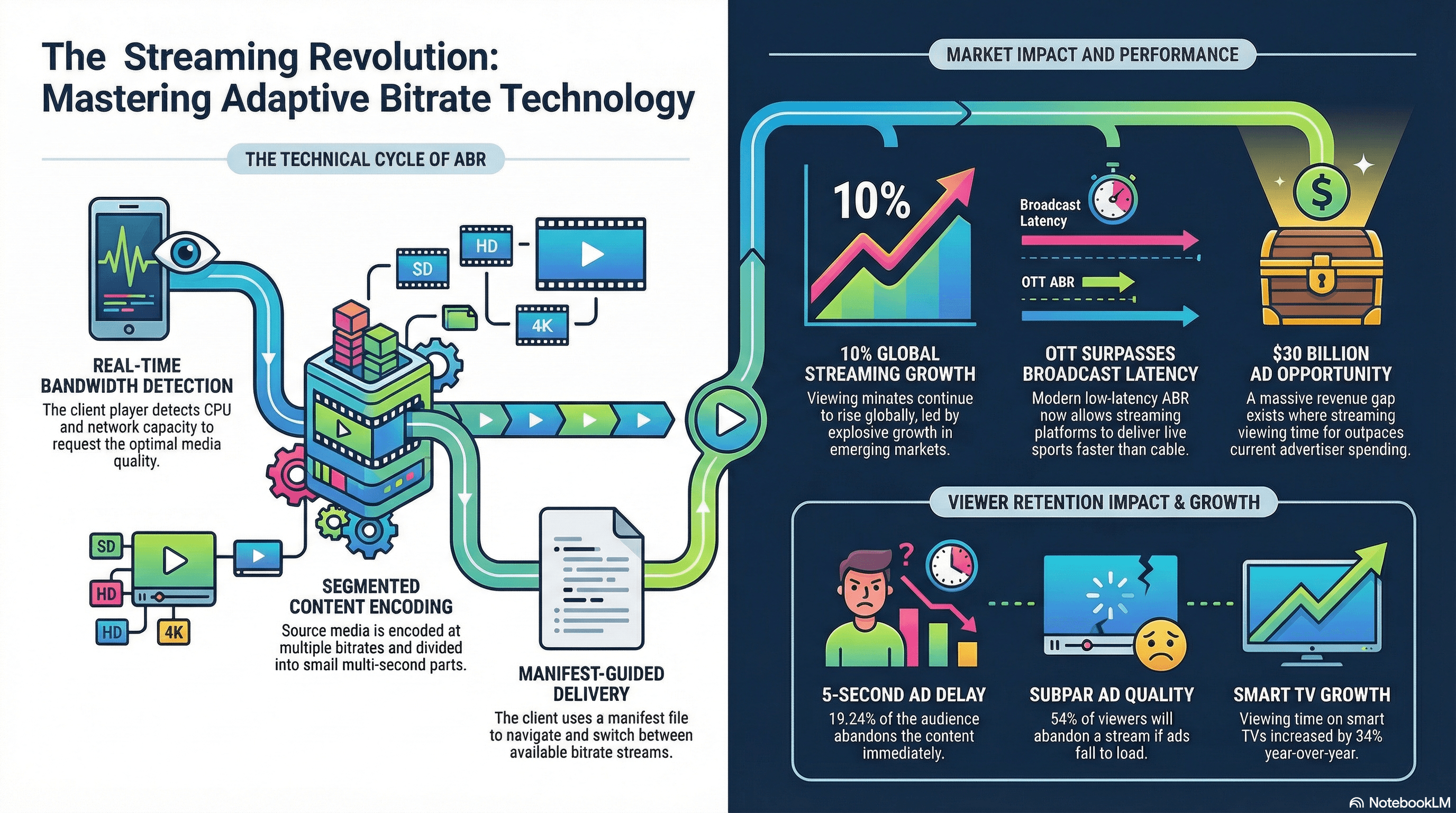
OTT users interact with players differently depending on device and situation.
On TV, navigation depends on remote controls and focus states.
On mobile, gestures and quick actions dominate.
On web, keyboard shortcuts and multi-window viewing are common.
Meanwhile, business requirements constantly evolve:
Ad-supported streams
Live sports with multiple camera angles
Catch-up TV and DVR
Fast channel previews
Contextual metadata overlays
A scalable player had to support all of this without overwhelming users.
Designing the System
We approached the problem by building a modular design system tailored specifically for OTT playback experiences.
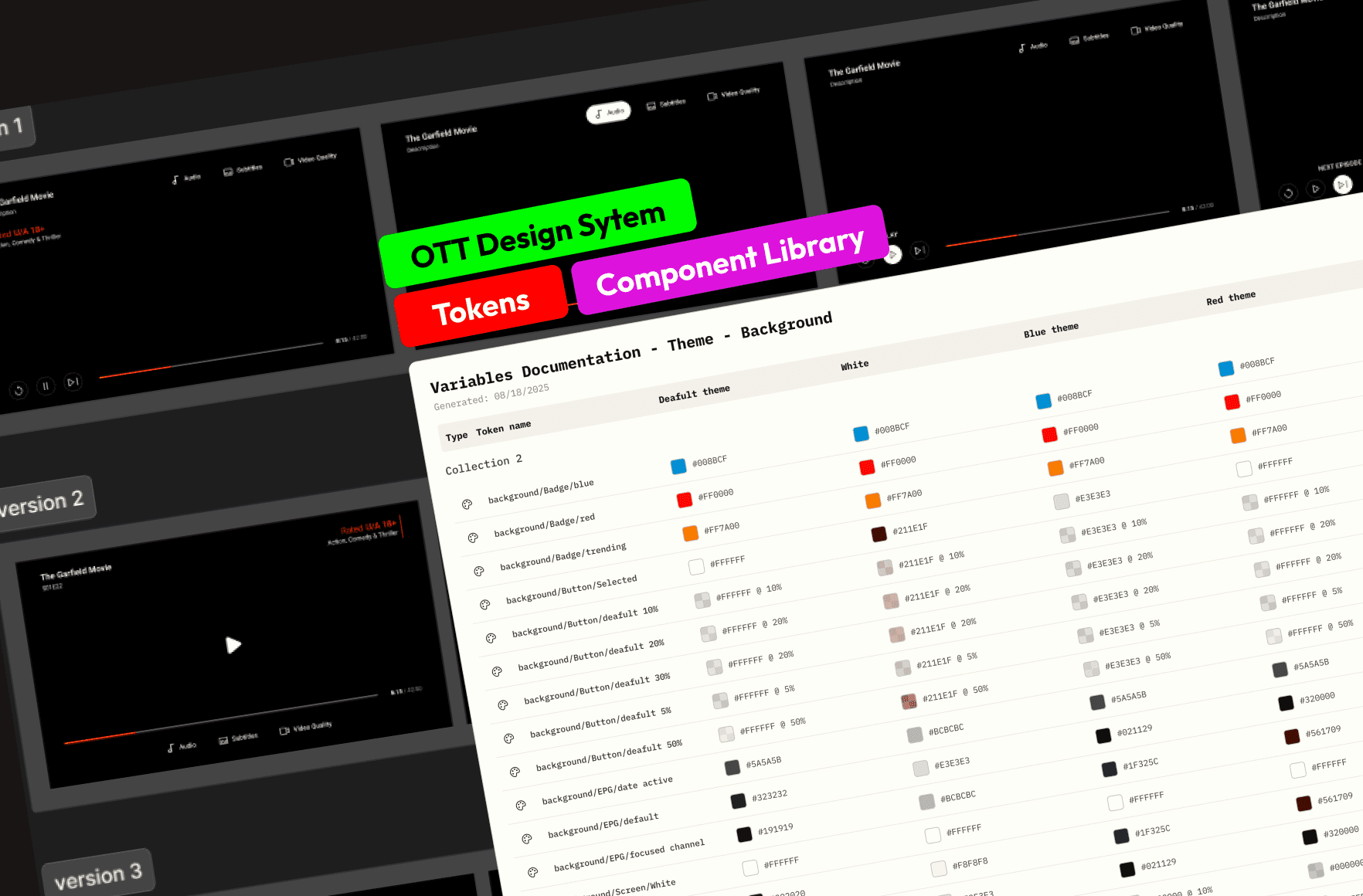
1. Component Library for Every Playback Scenario
We created a complete library covering:
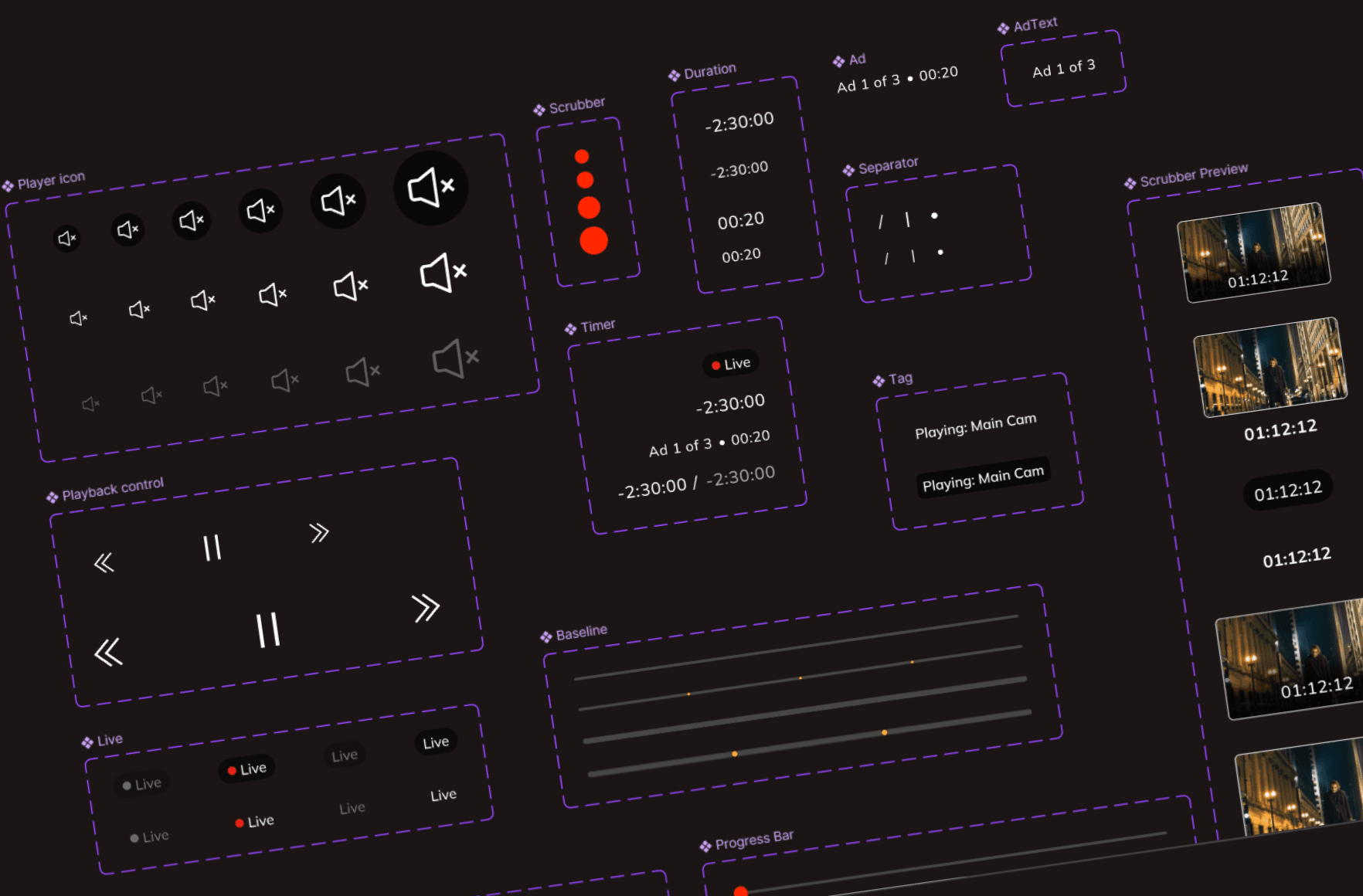
Playback controls
Progress scrubbing
Subtitles and accessibility options
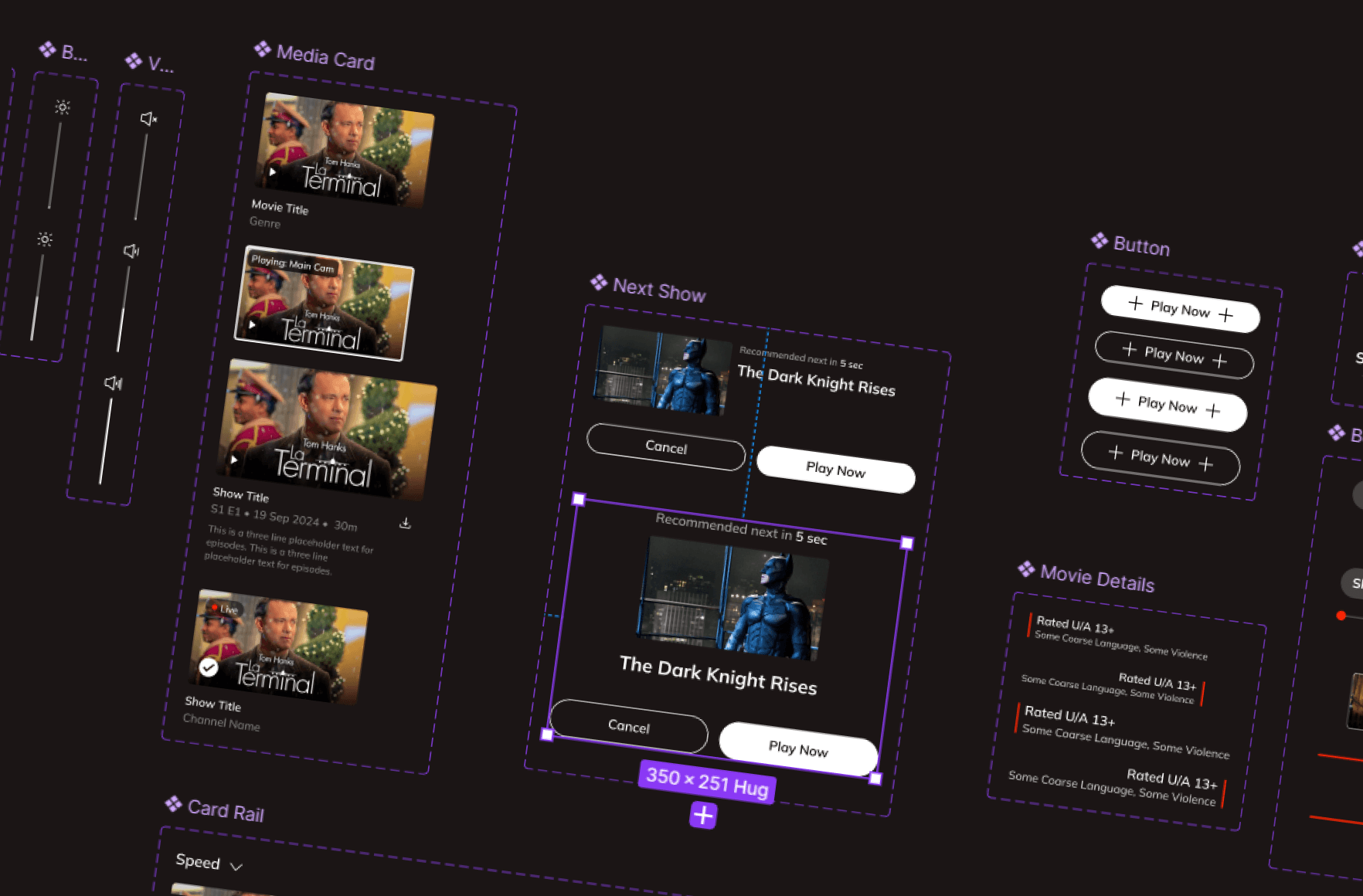
Ratings and metadata panels
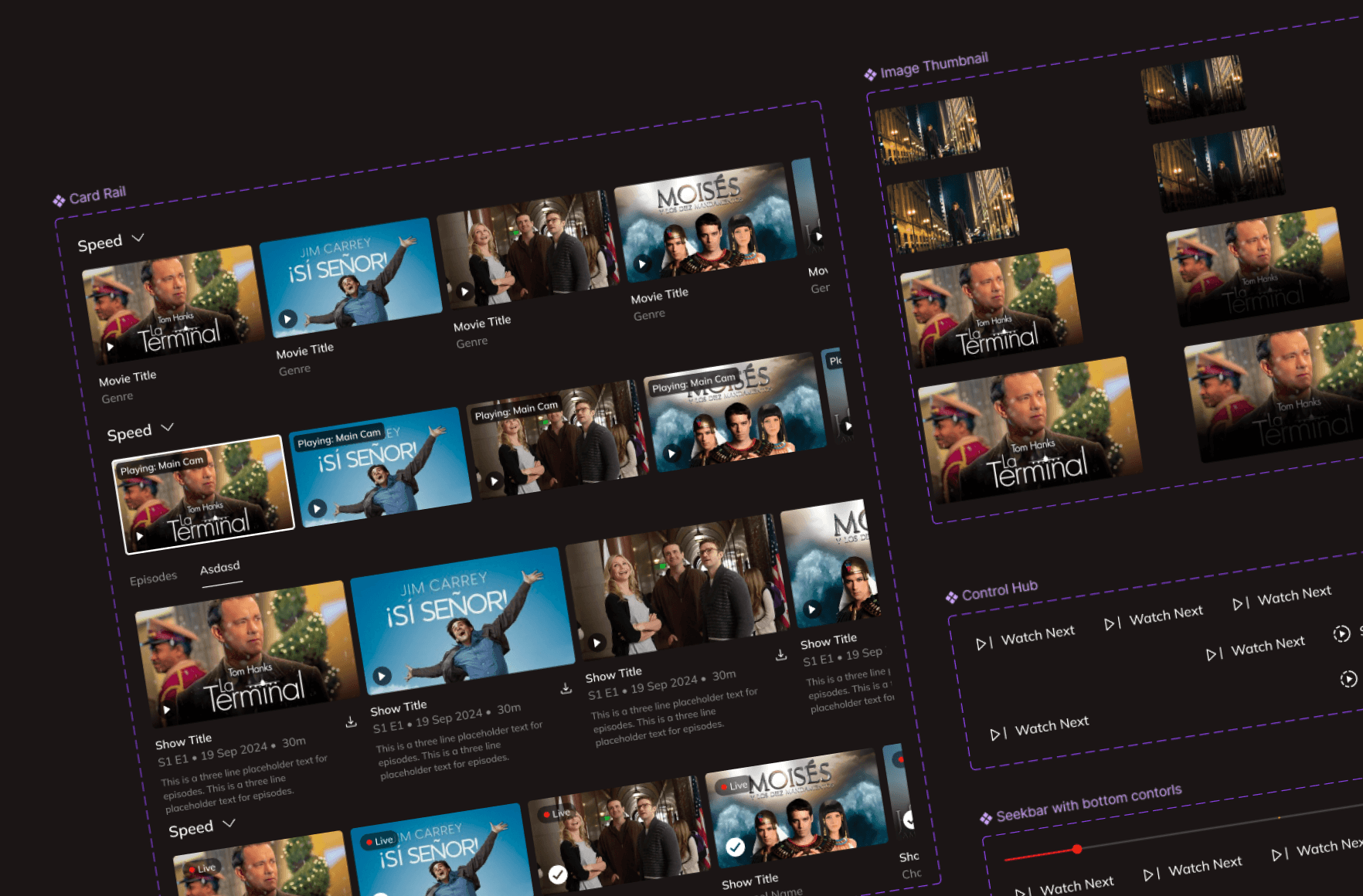
Episode navigation and content rails
Control hubs for advanced settings
Each component was tested across TV remote navigation, touch gestures, and keyboard interaction to ensure consistent behavior.
This reduced design duplication and improved usability across platforms.
2. Token-Driven Theming
OTT platforms often serve multiple brands within one infrastructure.
To support this, we introduced design tokens for color, typography, spacing, and states.
Teams could instantly theme the player for new channels or partners without redesigning layouts.
This approach reduced onboarding time for new channels and allowed faster experimentation with branding.
3. Adaptive Layouts Across Devices
We built responsive layouts that adapted to resolution, device type, and viewing mode.
Examples included:
Compact overlays for live sports
Expanded metadata panels for movies
Minimal controls for immersive viewing
Multi-camera selection for live events
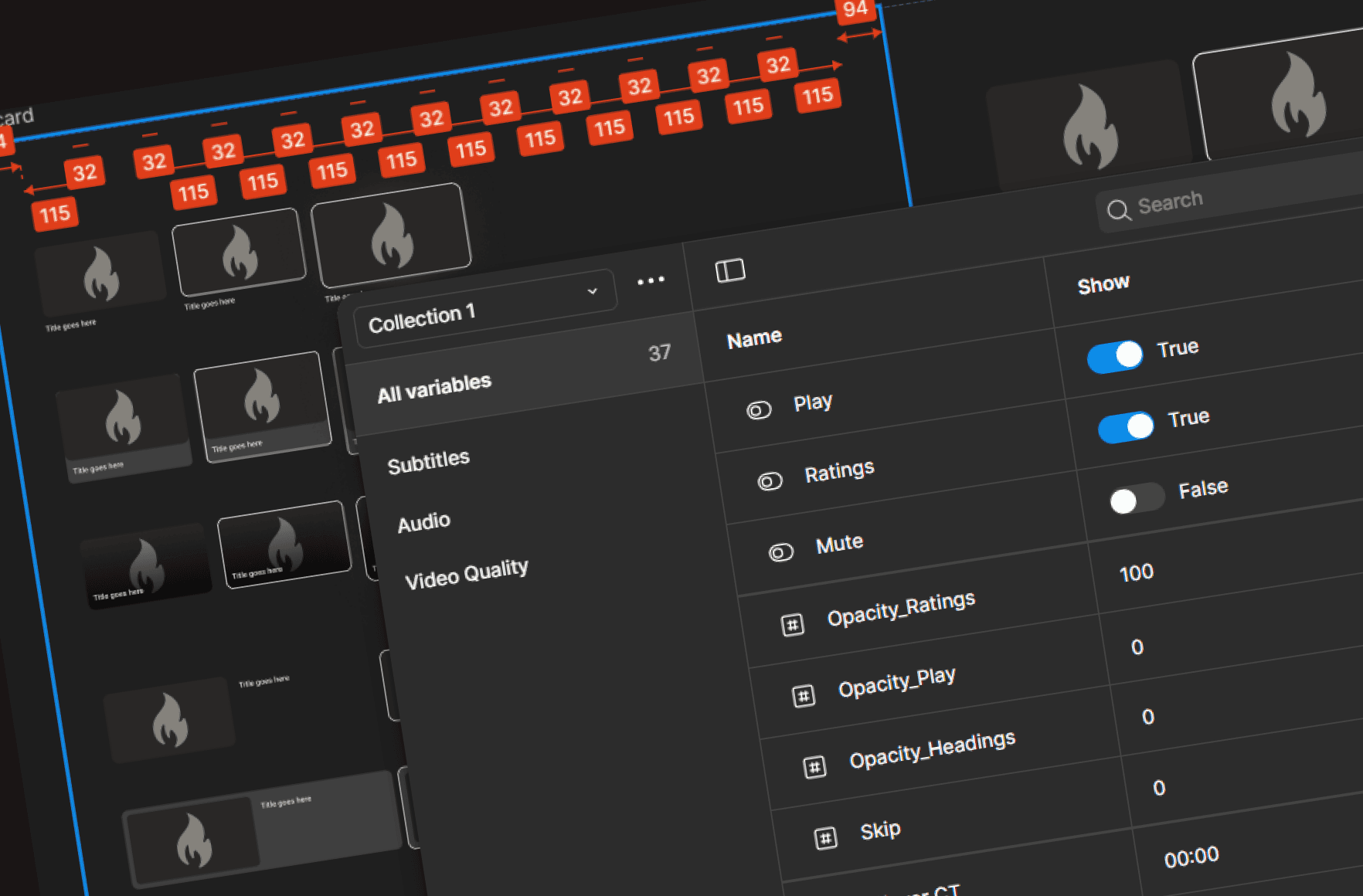
Variants and boolean properties in Figma allowed product teams to configure players based on business rules without rebuilding components.
4. Accessibility and Performance by Default
Streaming platforms serve millions of users, including those with accessibility needs.
The system included:
Readable subtitle options
High-contrast themes
Remote-friendly focus navigation
Consistent interaction feedback
By embedding accessibility into components, we avoided costly redesigns later.
Key Strengths of the System
A complete UX component library for playback and content navigation
Token-based theming for rapid branding changes
Flexible configuration using Figma variables and smart properties
Built-in support for Live TV, DVR, Ads, and Multi-CAM scenarios
Designed for multi-platform OTT ecosystems from the start
Real Impact
After implementing the design system:
Product teams reused player components instead of redesigning them.
New channel onboarding became faster due to token-based theming.
Design inconsistencies dropped across platforms.
Engineering handoff improved because interaction patterns were standardized.
Most importantly, viewers experienced a smoother playback journey with fewer interruptions and clearer controls.
Why This Matters
Video players are the heart of OTT platforms.
Every usability issue in playback directly affects watch time, retention, and satisfaction.
By treating the player as a scalable system rather than isolated screens, we ensured that new features, brands, and formats could be introduced without compromising user experience.
A strong design system does not just improve design efficiency.
It protects the viewing experience as platforms grow.